Menu
Good food.
Better flow.
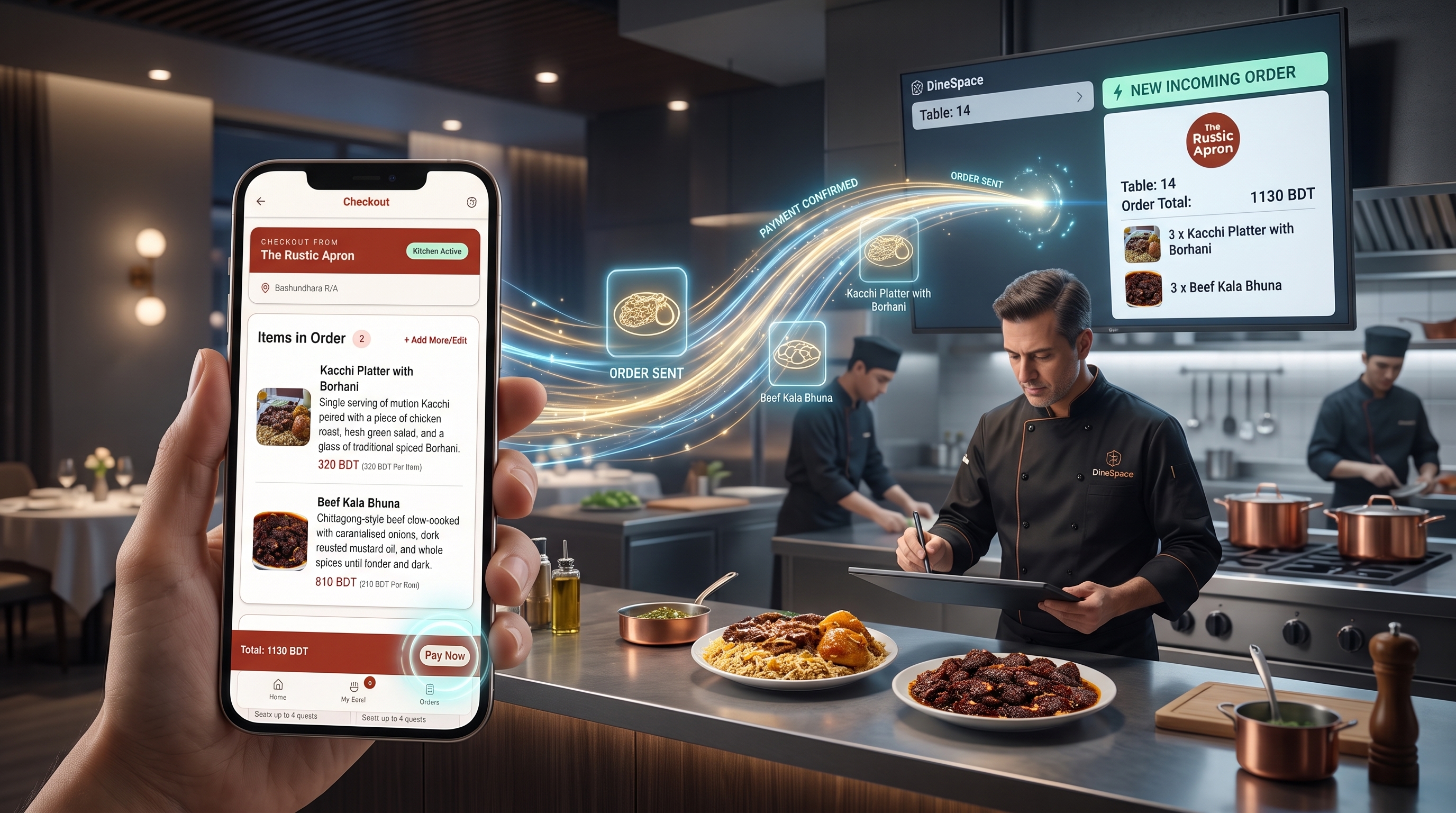
Guests order at the table. Their orders go straight to the kitchen team.
Watch an order move.
Follow a diner order as it moves from a table QR scan to the live kitchen board.
One QR. Every table.
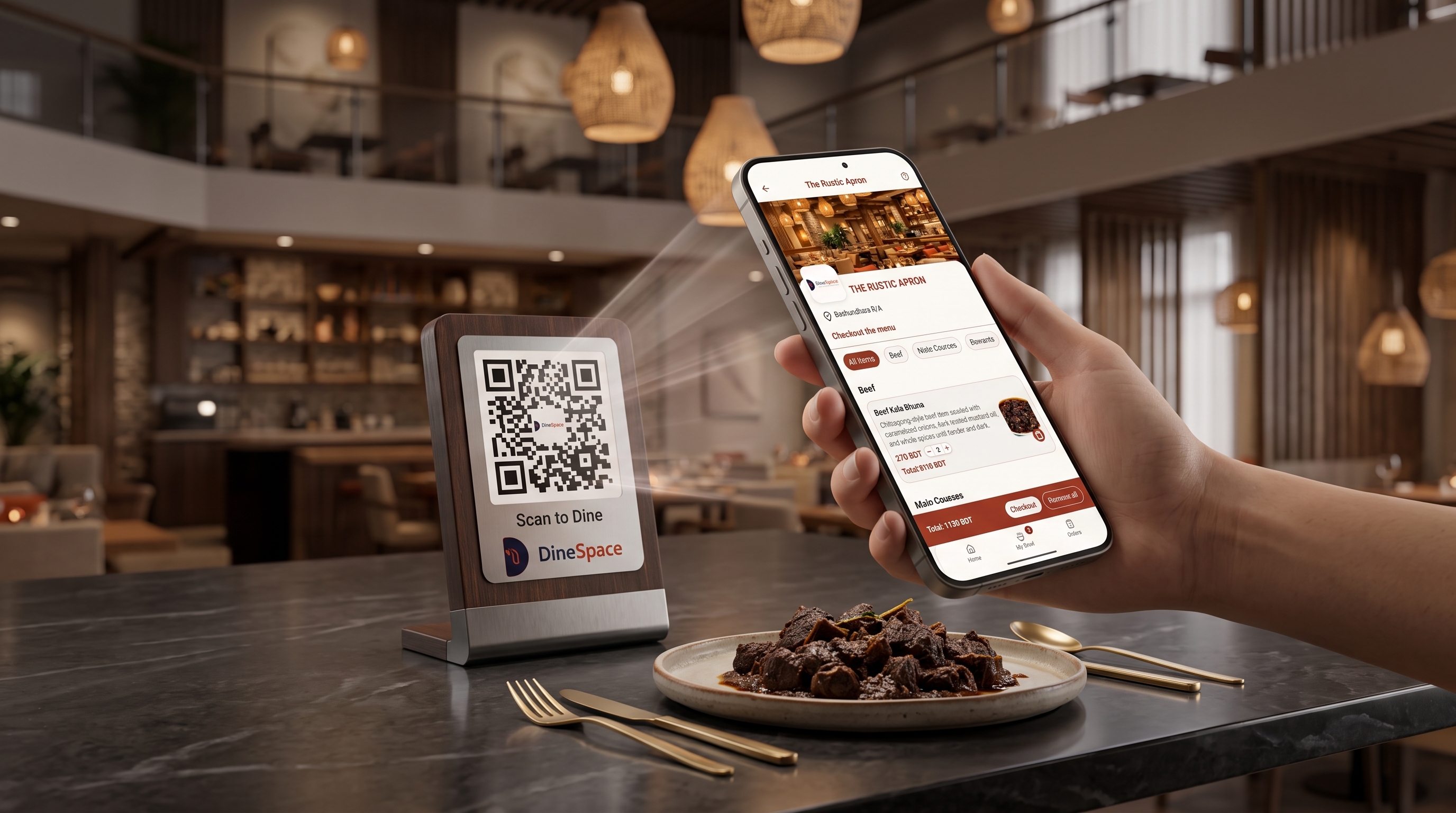
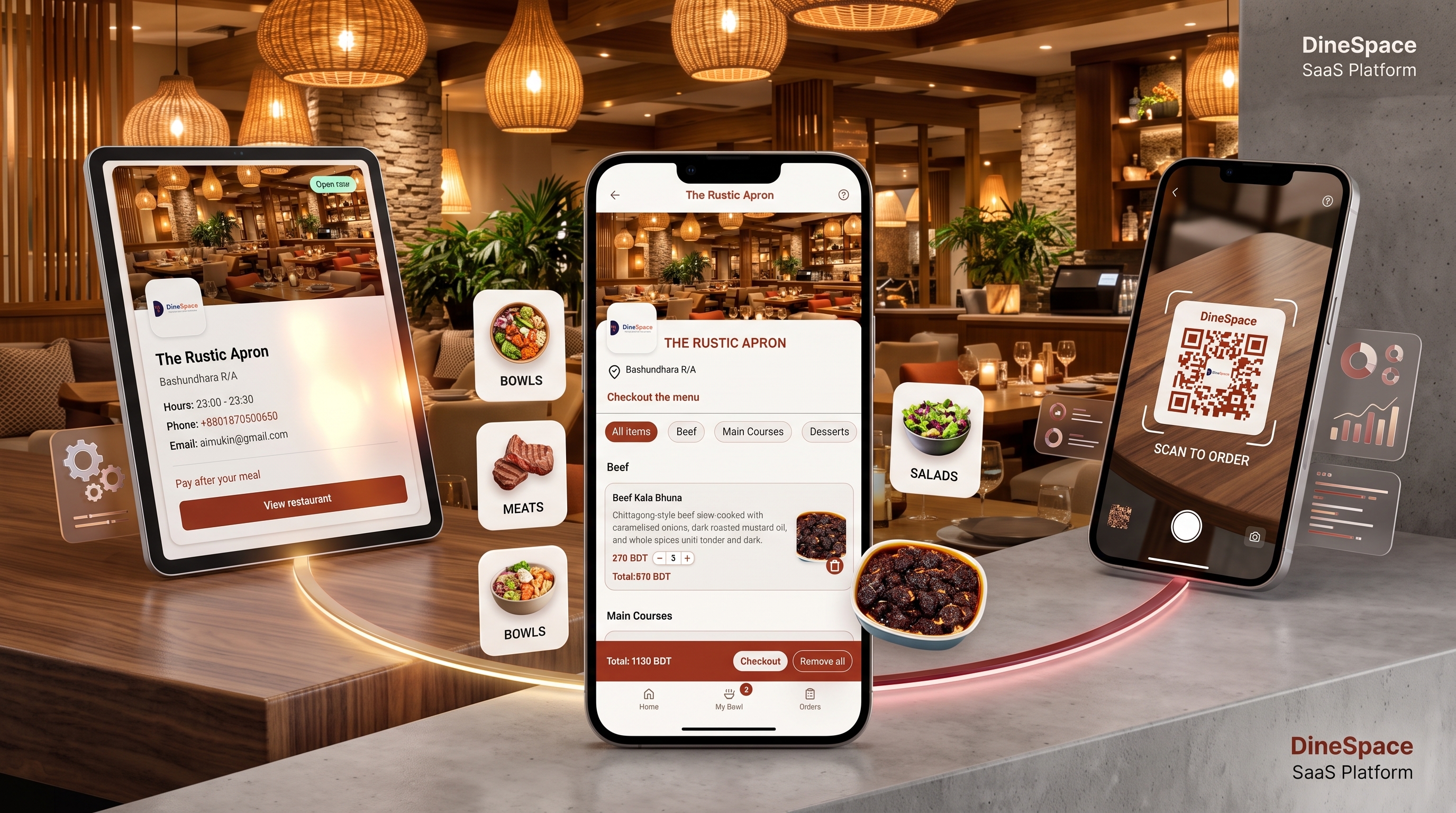
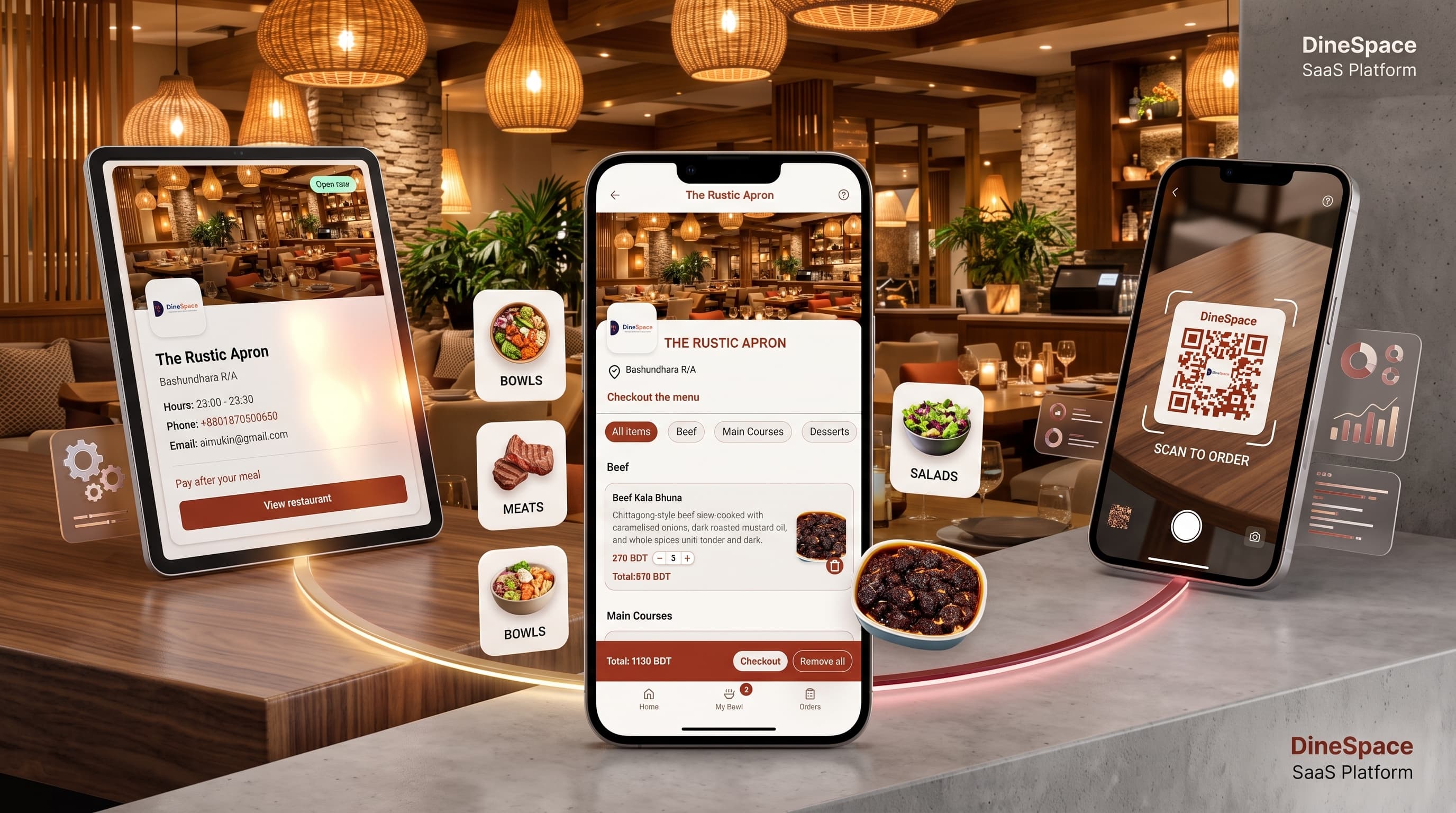
The restaurant places a single QR stand on every table. Diners scan it to instantly open the live digital menu — no app needed.
The Artisan Bistro
Digital Menu • Scan to Order
The Artisan Bistro
Live POSKitchen Display System (KDS)
Scan to Restaurant Menu
Instant web access with zero app downloads
Waiter Waiting Delay
Guests browse and order as soon as they sit
Live Ticket Sync
WebSocket delivery from table to kitchen line
Total Ordering Steps
Scan QR, select dishes, send to kitchen
From table to kitchen.
One connected journey, from the menu in your hand to the order in the kitchen.
The table becomes the starting point.
The diner flow keeps choosing, ordering, and checking progress together in one place.
Scan the restaurant QR
Scan the restaurant QR stand on your table to open the live digital menu directly on your phone—no app install required.
Build your bowl
Browse dishes, customize options, view dietary details, and add items to your bowl with live pricing.
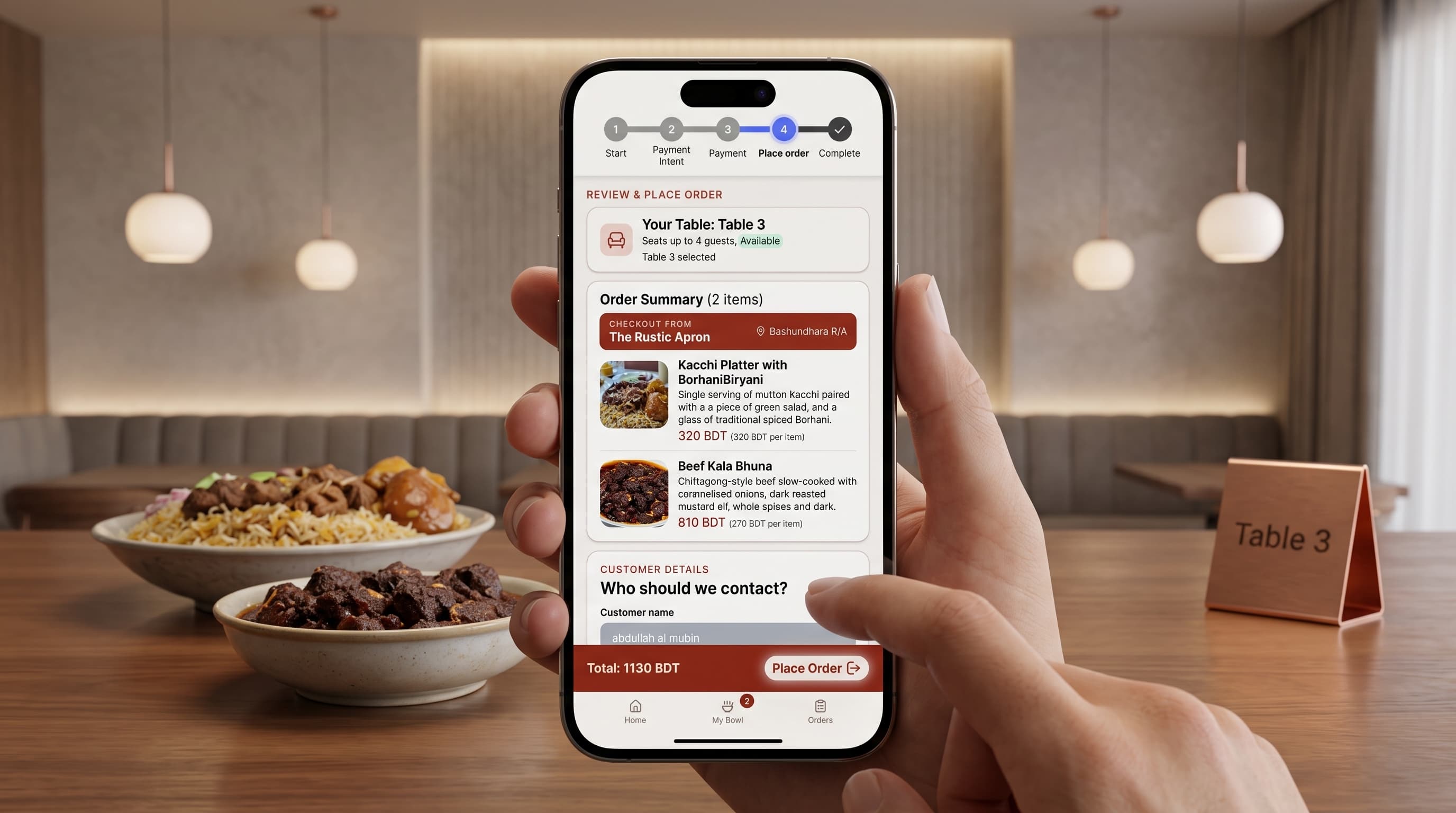
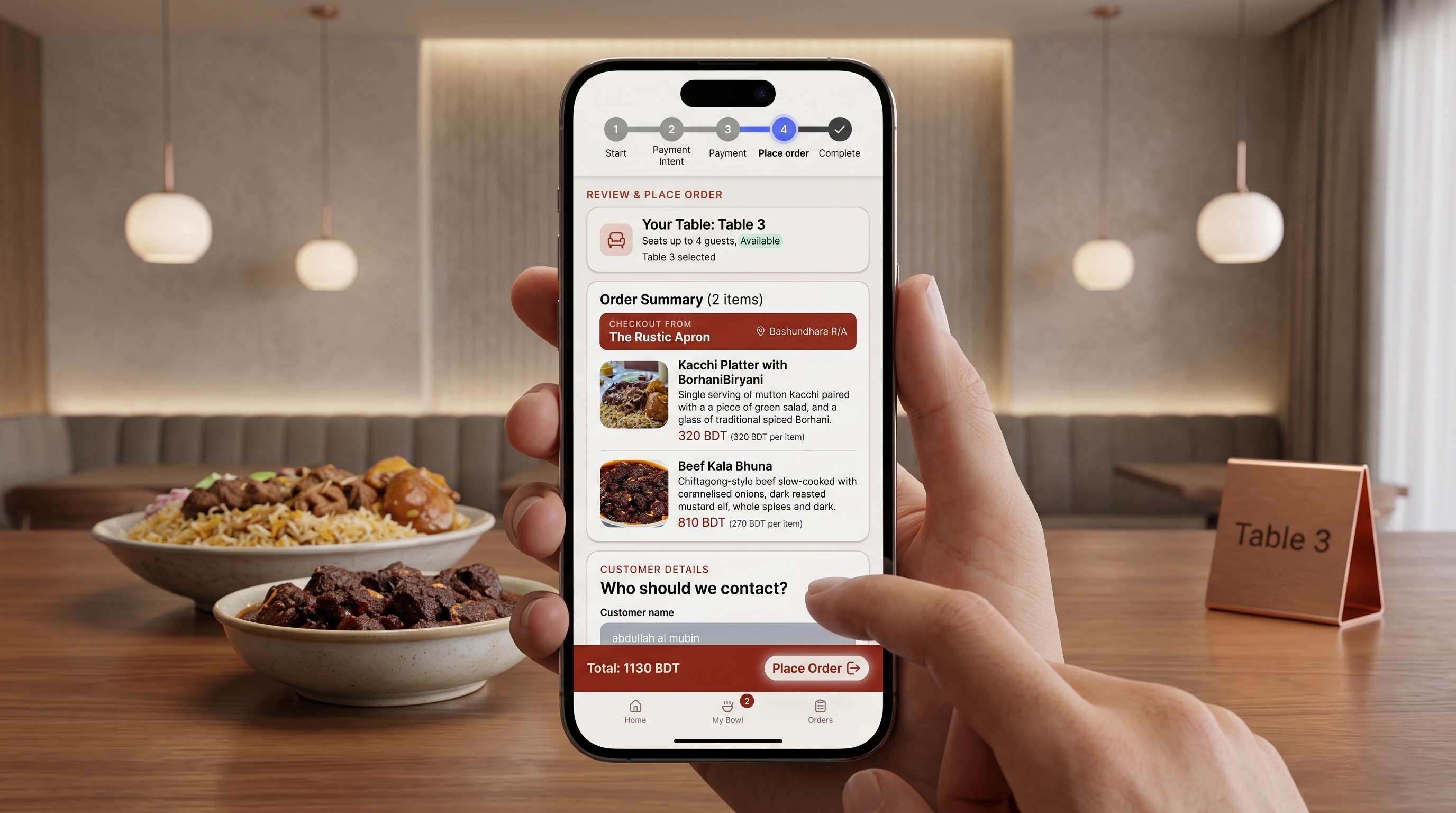
Pick your table & send
Confirm your table number, select Cash, bKash, or Nagad, and dispatch the ticket straight to the kitchen.
Built for the speed of actual restaurant service.
DineSpace bridges the gap between hungry guests at their tables and the kitchen crew firing tickets. Explore the four core modules powering each shift.
Keep the line moving with live order tickets
Incoming orders appear instantly without paper tickets or waiter handoffs. Kitchen staff update stages with a single click, automatically updating diner screens.
1x Truffle Salmon Bowl
2x Wagyu Short Rib Bowl
Know what comes next, every step of the meal.
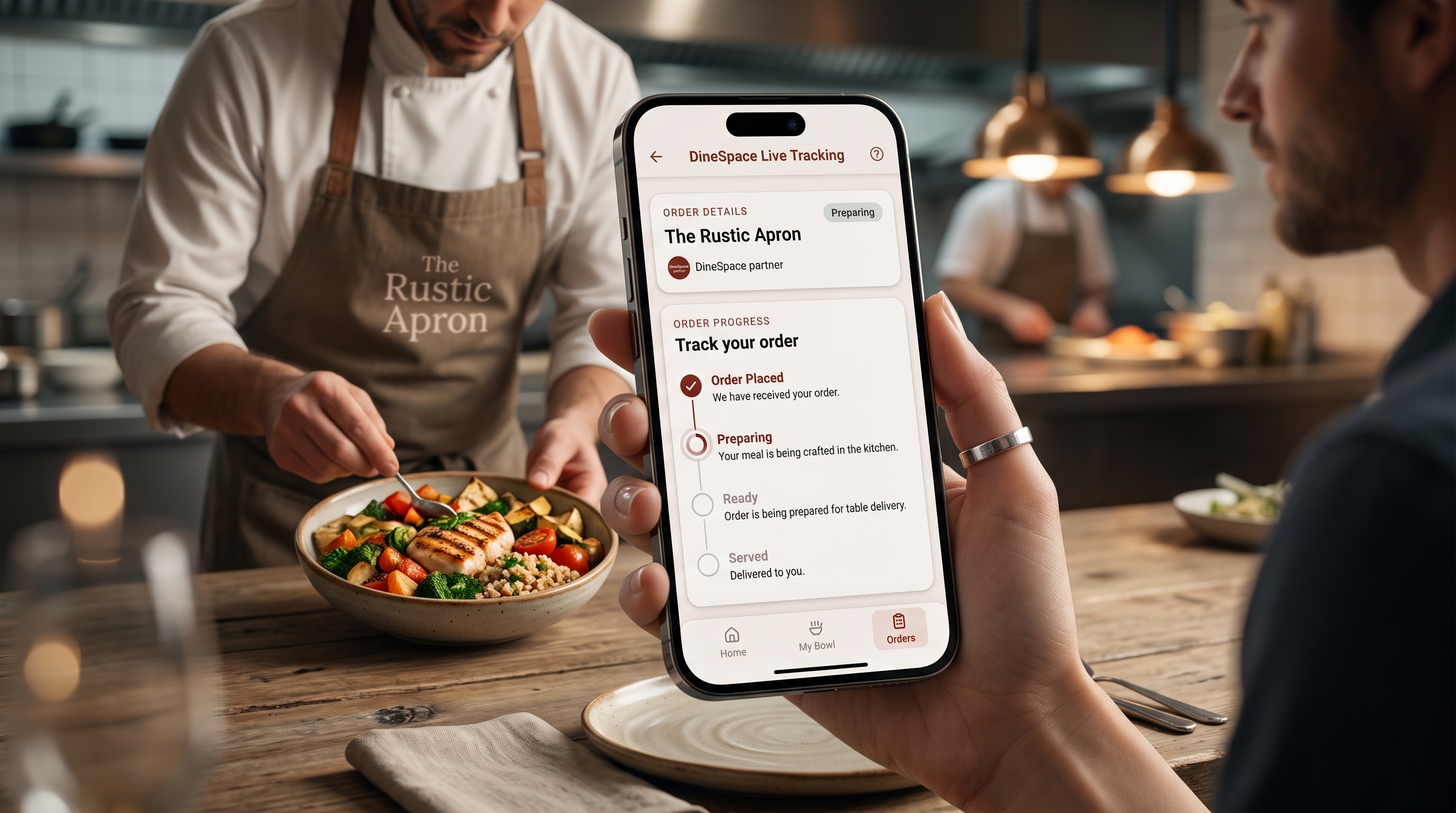
Orders advance through clear, verifiable service stages. Guests track live progress on their phone while kitchen staff update tickets directly from the POS workspace.
Pending
Order sent via restaurant QR
Confirmed
Kitchen acknowledges ticket
Preparing
Chef fires dishes on the line
Ready
Plated & runner dispatched
Completed
Delivered to dining table
Flexible checkout: Supports Cash at table alongside simulated mobile payment with bKash and Nagad.
The restaurant side
The other side of every order.
Orders arrive directly in the restaurant workspace, where teams can review service, update progress, and manage live menus and dining tables.
Demo owner sign in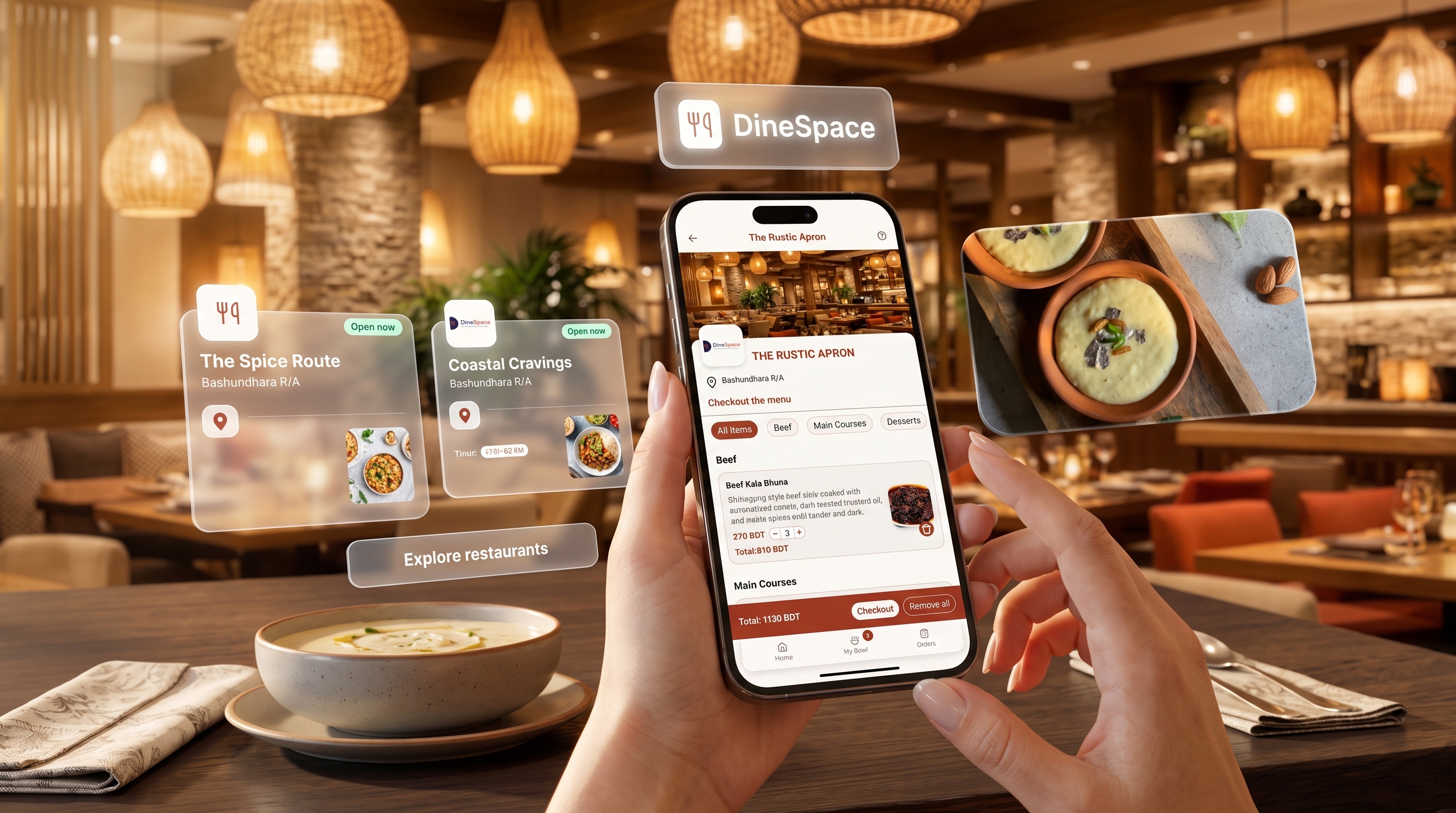
Questions, answered.
A clear picture of what works today, including the payment experience still in development.
Order from your table.
Browse a restaurant, open its menu, and start your next table order with DineSpace.
Browse restaurantsRun a restaurant? Sign in here